
Features / Guides / Support and Updates
Support and Updates
Report a problem, ask a question or request a feature without leaving SolidWorks, and see what changed in each update.
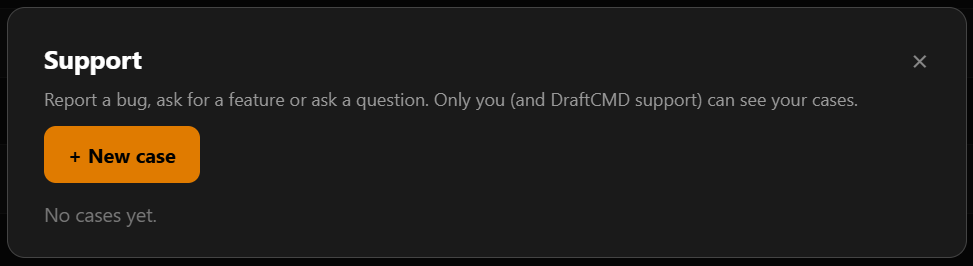
When something goes wrong in the middle of a job, the last thing you want is to hunt for an email address. The Support button in the panel header opens a case form.
Sending a case
- Pick the type, for example Bug report.
- Give it a short title.
- Describe what happened or what you would like. For a bug, say what you clicked, what you expected and what you got.
- Press Send case.
What is sent
- Your DraftCMD and SolidWorks version numbers are included automatically. Nothing else is sent.
- You can tick a box to attach your recent drawing log (the last 200 lines). It is off by default because it can include part and file names.
The Cases button in the dialog takes you back to your own cases.
Updates, and what changed
DraftCMD checks for new versions and shows a banner when one is available. Each update comes with release notes, so you can see whether it is bug fixes or new features before you install. You choose when to update. Settings has an About & Updates section with the current version.